
Matching couple wallpapers
One picture, split across both your phones. Each of you takes one half; put the phones side by side and it joins up. Free, full resolution, no sign-up.
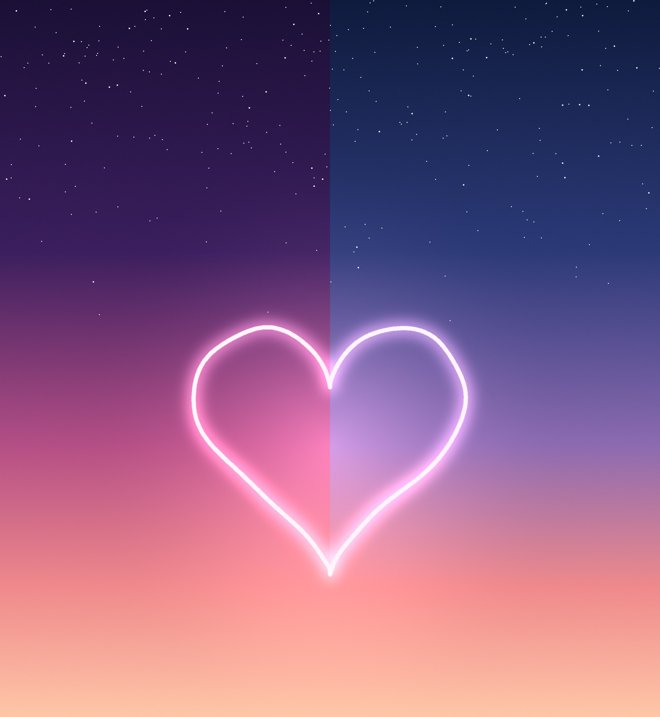
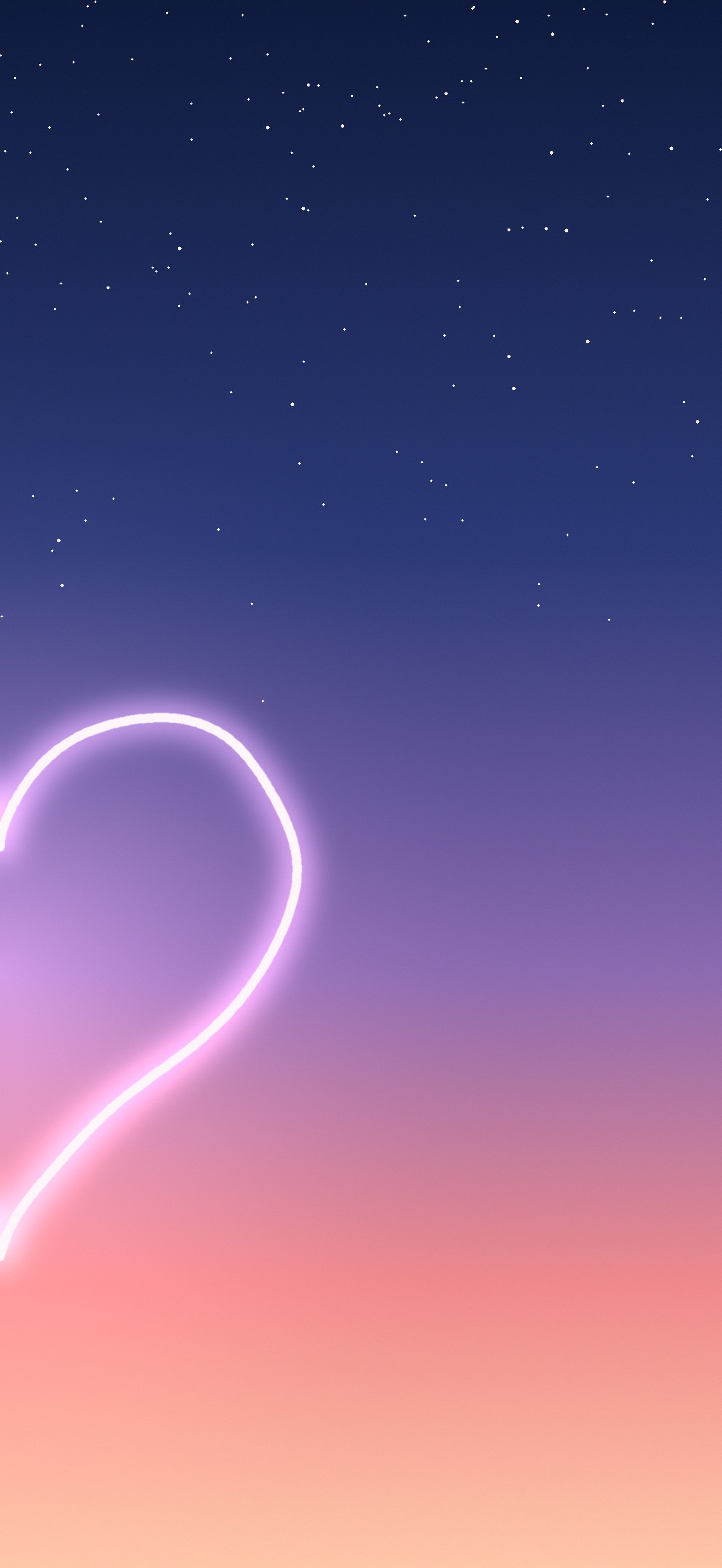
Split heart
One heart, half on each phone. Put them side by side and it’s whole.
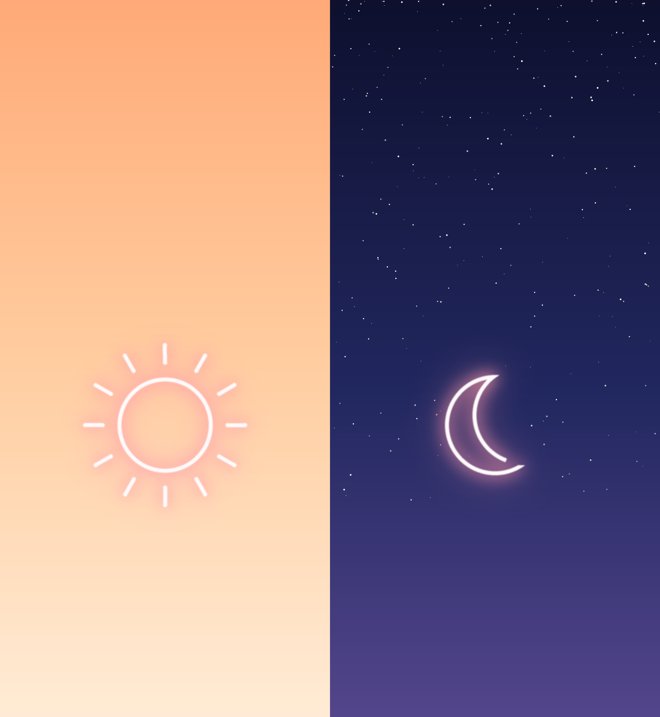
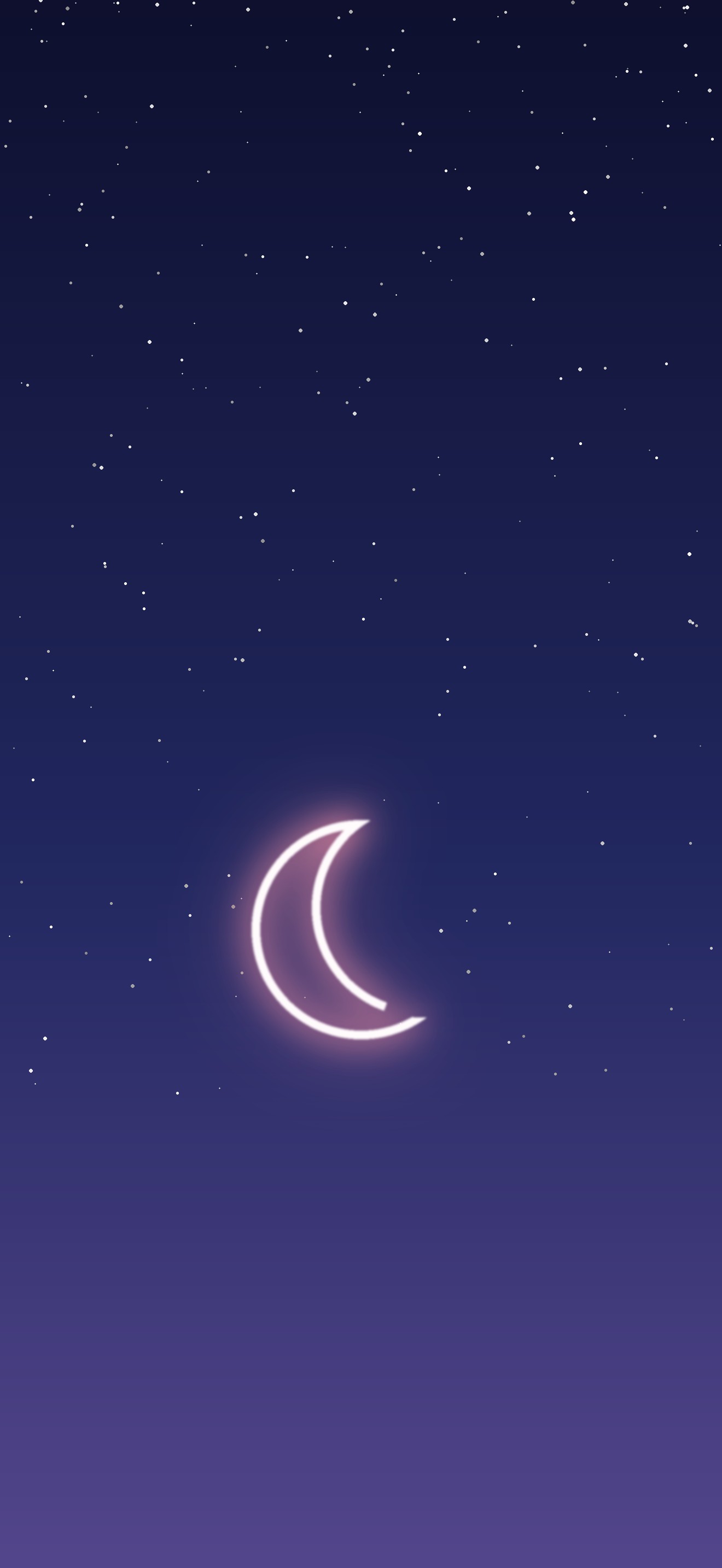
Sun and moon
For two time zones: one of you in the morning, the other at night.
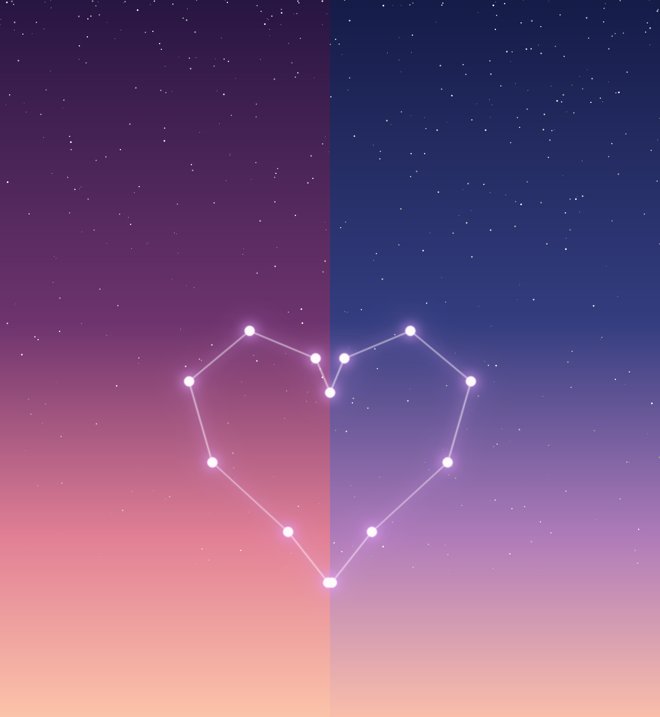
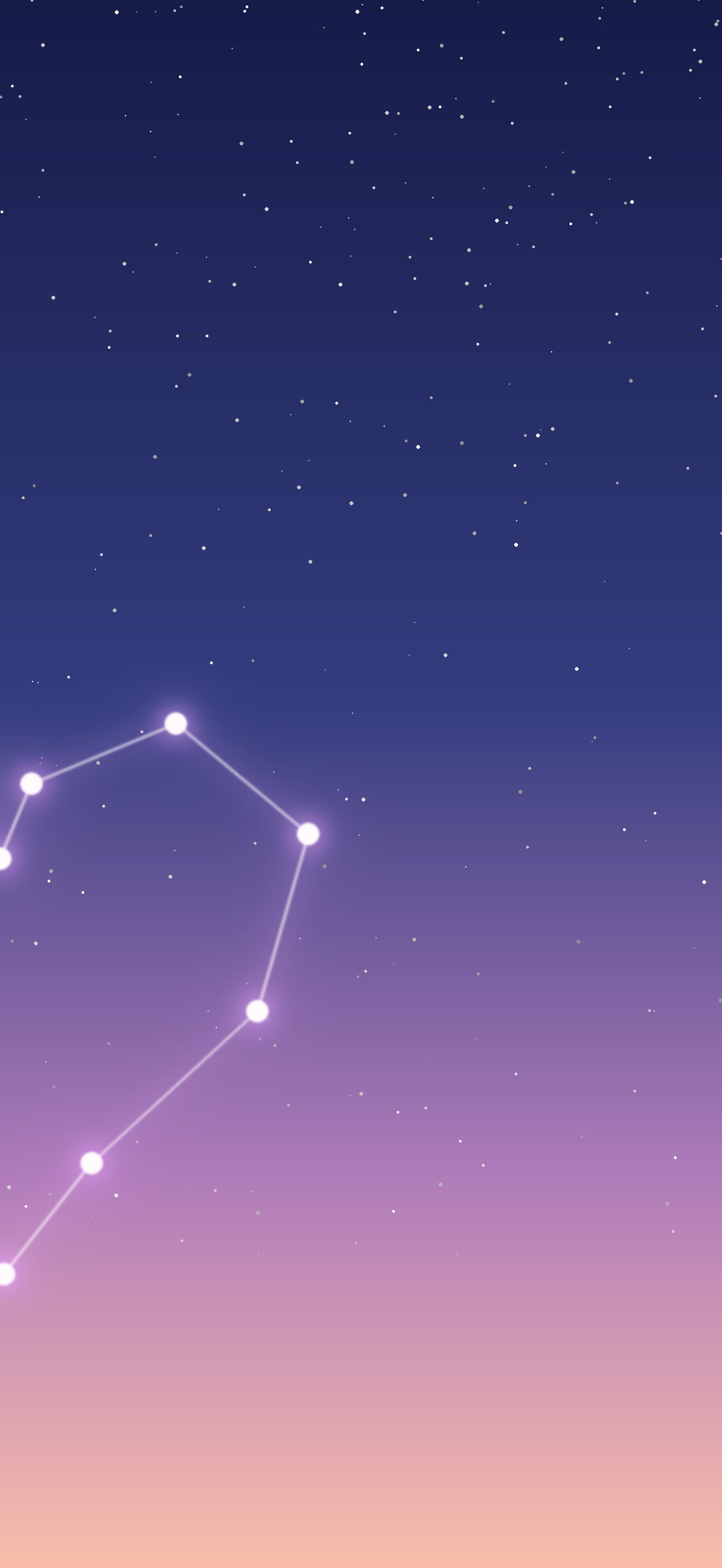
Our constellation
A heart drawn in stars across both skies.

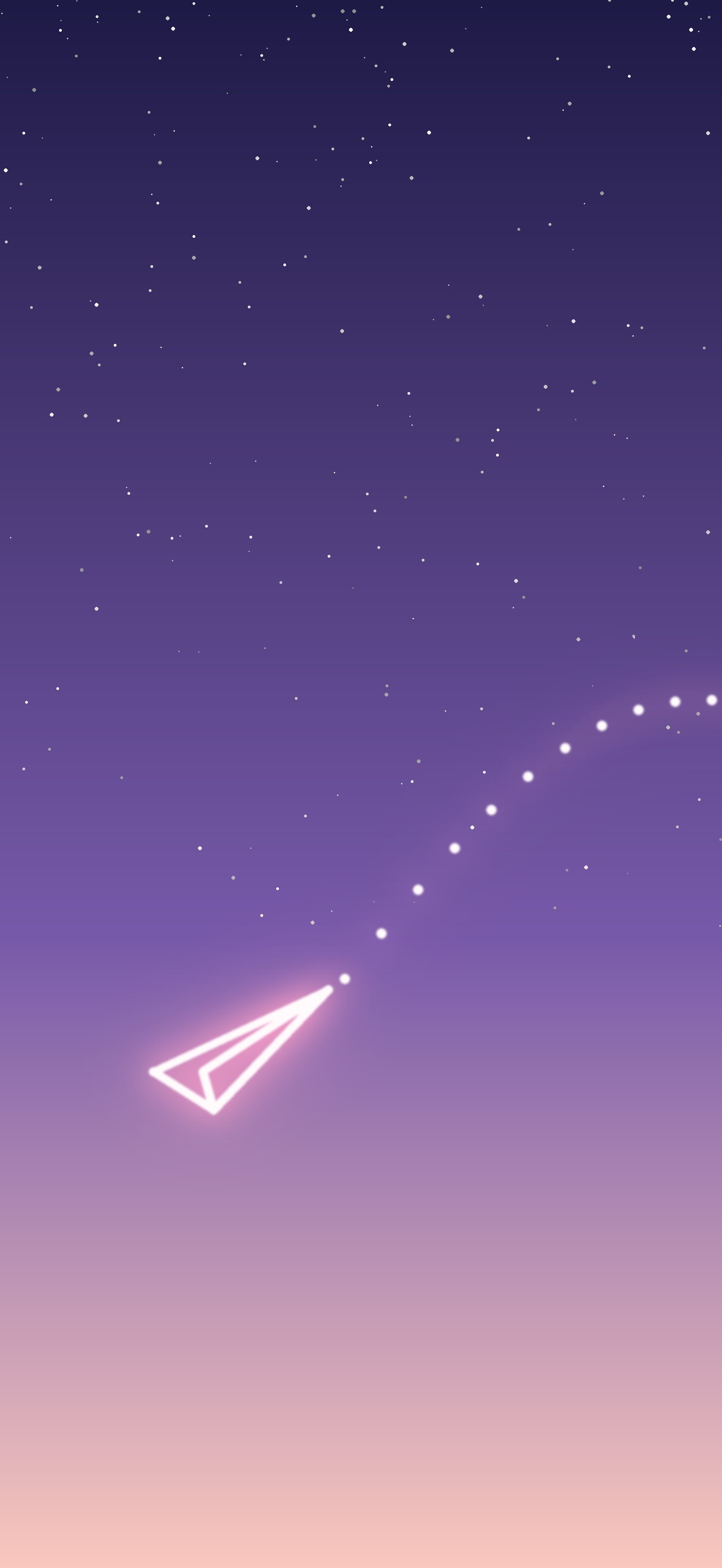
Paper plane
Sent from one phone, landing as a heart on the other.
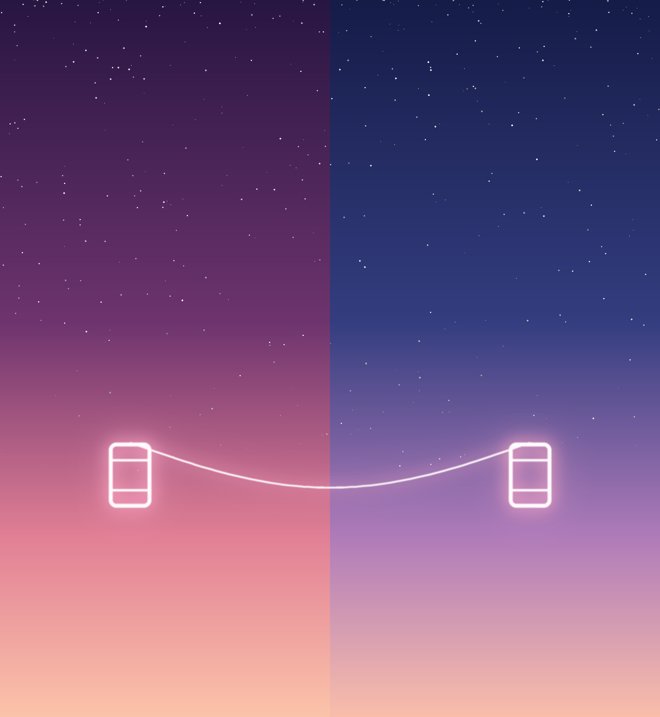
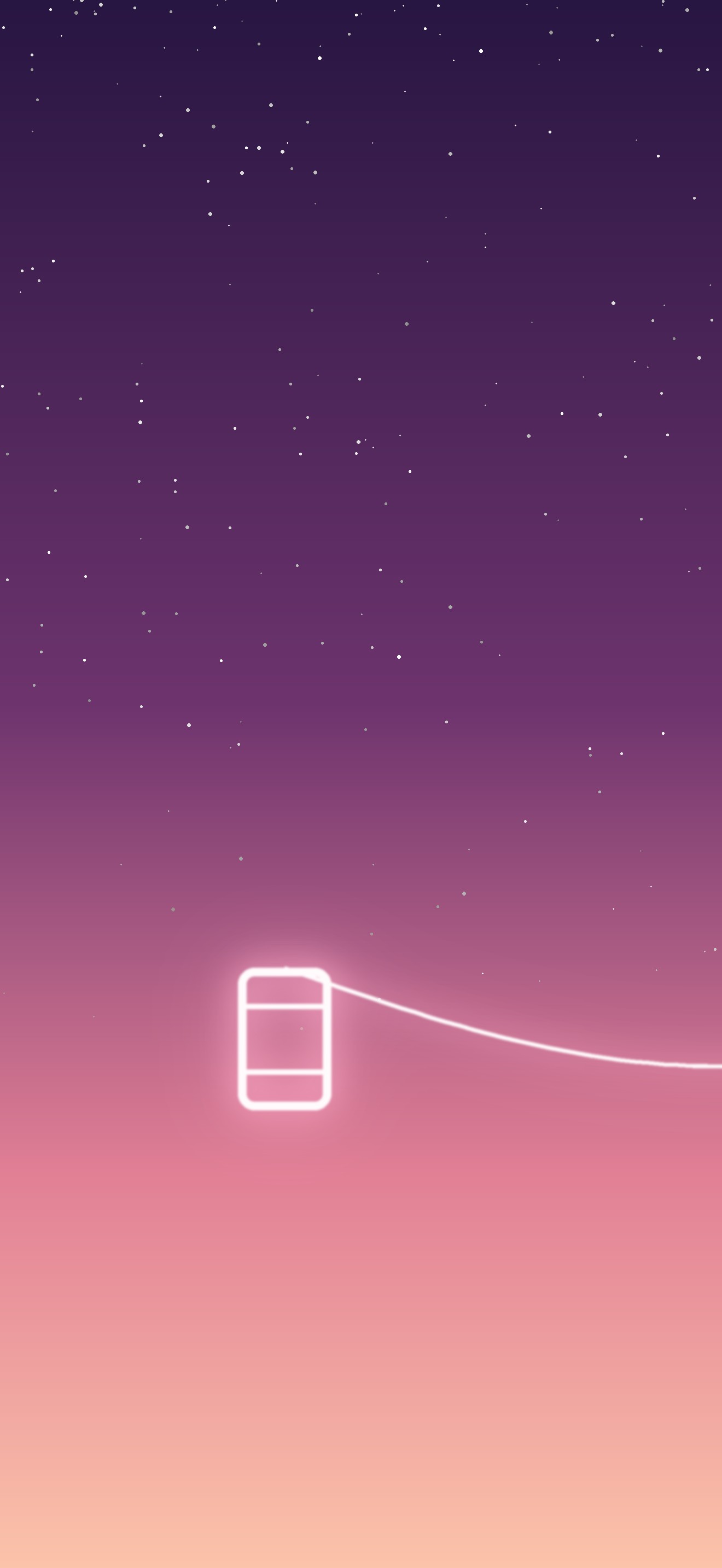
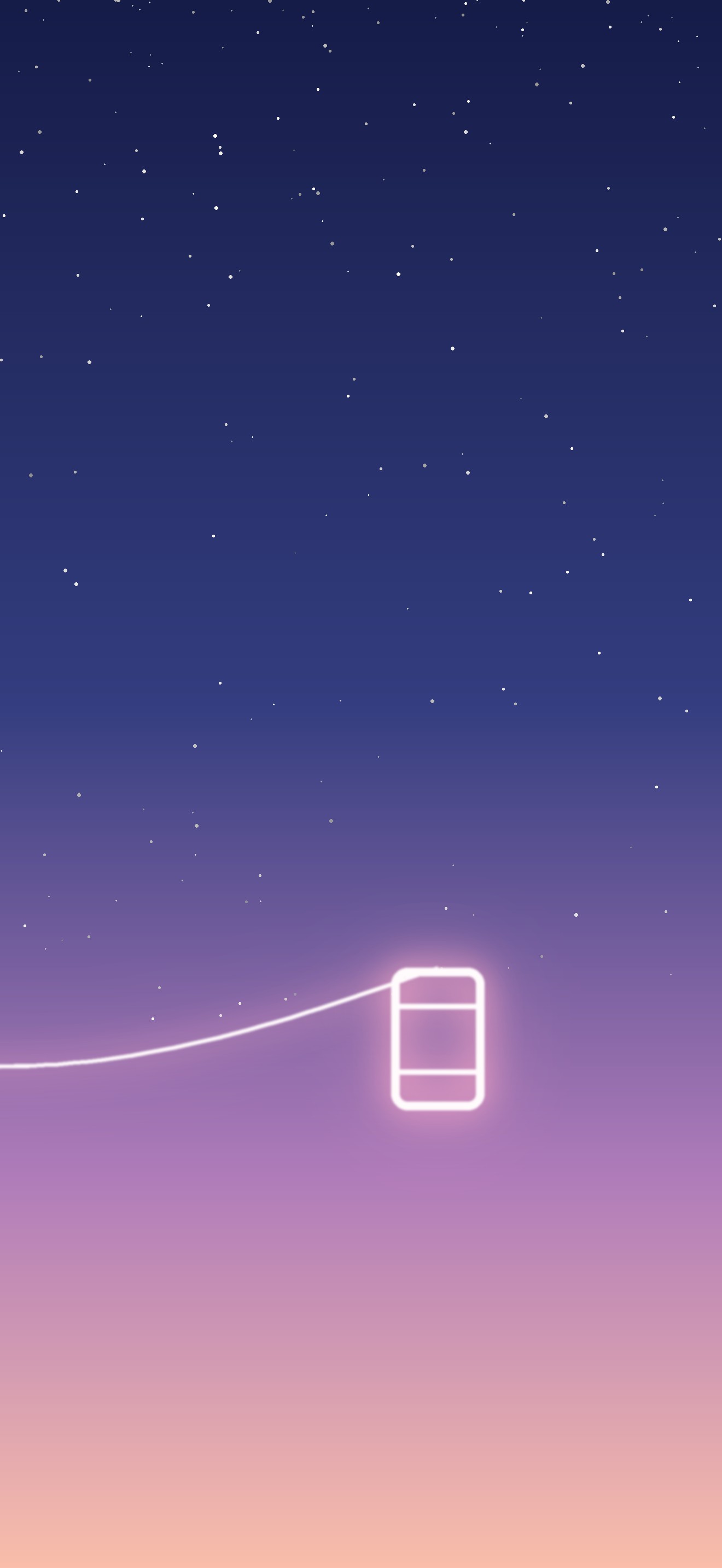
Tin can phone
Two cans and one string. The oldest long-distance call.




Then draw on each other’s Lock Screen
With Lovly, whatever one of you draws appears in the other’s Lovly widget, on top of your matching wallpaper. Free to start, no ads, no streaks. How the Lovly widget works · 40 cute things to draw for your boyfriend

How to set them
- Pick a pair. One of you downloads Phone 1, the other Phone 2.
- On iPhone: open the picture in Photos, tap Share, then Use as Wallpaper.
- Pinch so it fills the screen, then set it for the Lock Screen (and Home Screen if you like).
- Put your phones side by side.
Questions
- Are these free?
- Yes. Download them for your own phones, no sign-up. They are original art made for Lovly.
- Will they fit my phone?
- They are 1320 × 2868 pixels, the size of the largest current iPhones, so they look sharp on any iPhone and most Android phones.
- Can we draw on each other’s screens too?
- Yes, with Lovly. Whatever one of you draws appears in the other’s Lovly widget, right on top of your matching wallpaper.